 croc-desktop
A CROC GUI FOR MAC, WINDOWS AND LINUX
A file.
A code.
It's there.
Send files, folders, or text between computers without a shared cloud folder. Pick the file. Share the code. Carry on.
macOS · Windows · Linux
LESS CEREMONY
Transfer files.
Across platforms.
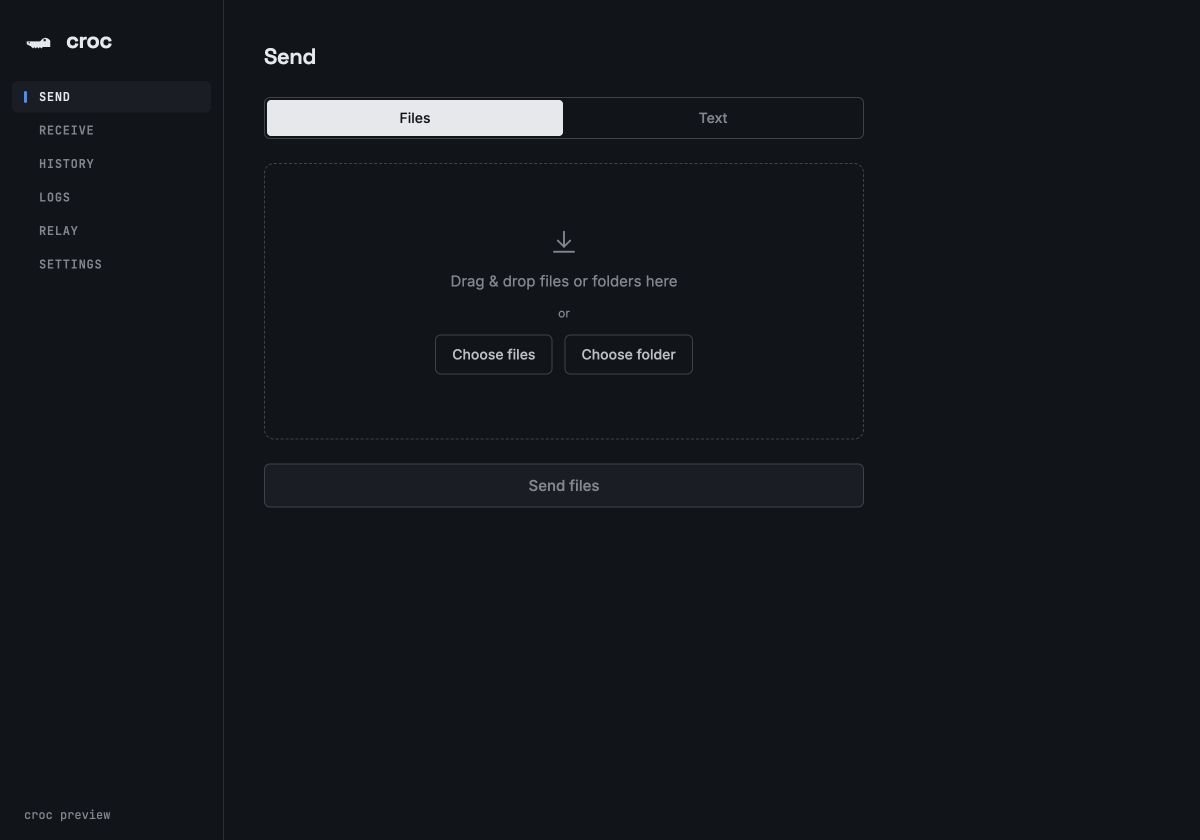
I put a desktop interface around croc. The recipient can use this app or the original command-line tool.
- 01
Pick it.
I drop in files or a folder. Plain text works too.
- 02
Share the code.
I send the short code to the person waiting. A QR code works too.
- 03
Meet on the other side.
They enter the code and accept the transfer. I can follow its progress and cancel if I need to.
The useful details.
- Private in transit
- The transfer is end-to-end encrypted, including when a relay helps the devices connect.
- No account
- I don't need a login or a shared storage folder to send something.
- A desktop app
- Installers and release notes live on GitHub. Mobile builds remain experimental.
Send from the desktop app to the croc CLI.
- Open Send, choose a file or folder, and press Send.
- Share the generated code privately with the recipient. Keep the sending app open.
- On a device with the croc CLI installed, run
croc YOUR-CODE, replacingYOUR-CODEwith the code from the app. - Check the offered files and accept the transfer. Wait for completion before closing the sender.
Receiving in the app works too: open Receive, paste the code, choose the destination folder, then review and accept. Both devices need a compatible croc client; a browser alone cannot receive the transfer.
If the devices cannot connect, check their network access and relay settings. When using a custom relay, configure both sides consistently. Treat the code as access to the transfer and share it only with the intended recipient.